
What to Do If Brave Browser Cannot Auto-Backup?
Problem Description
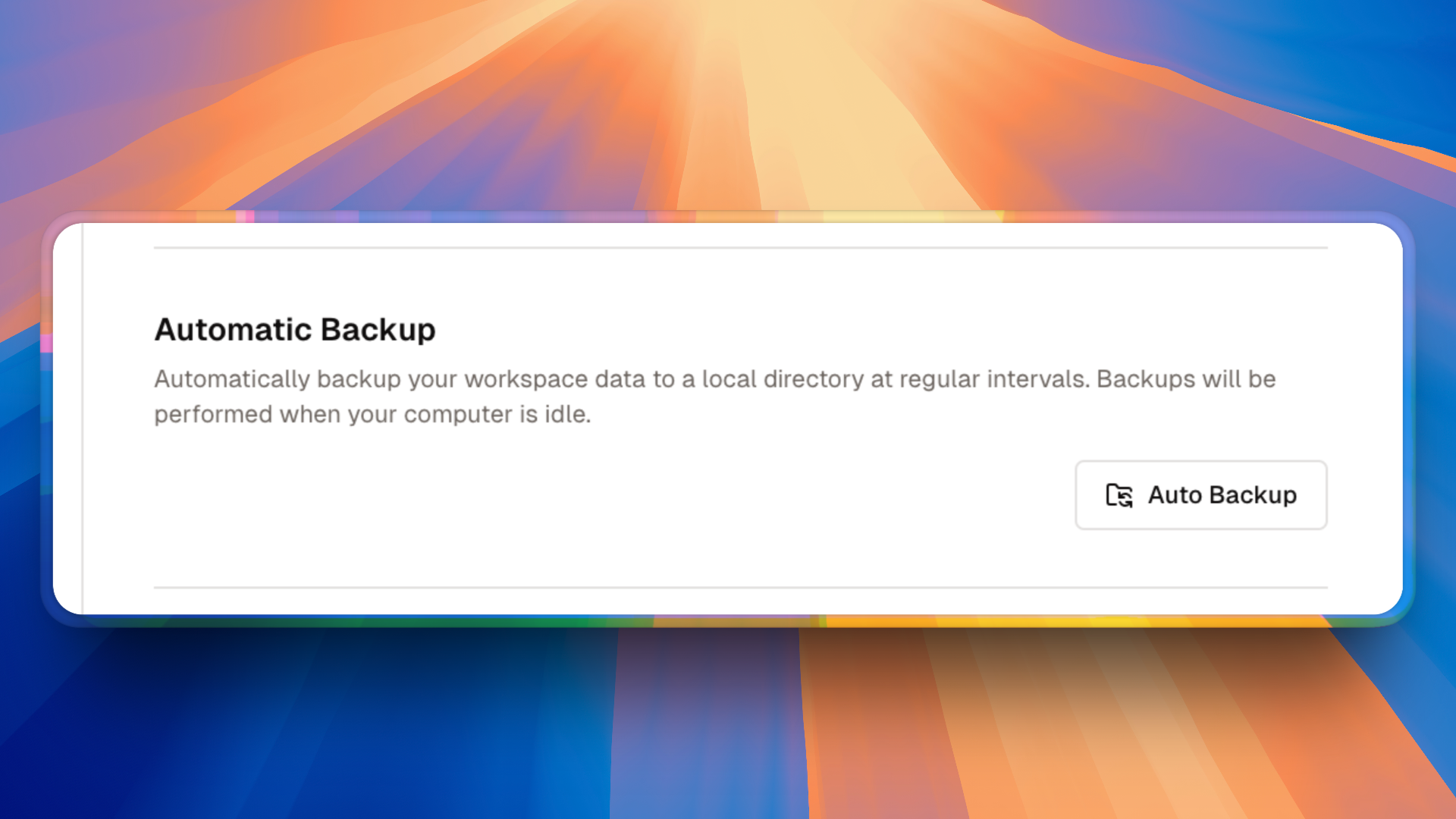
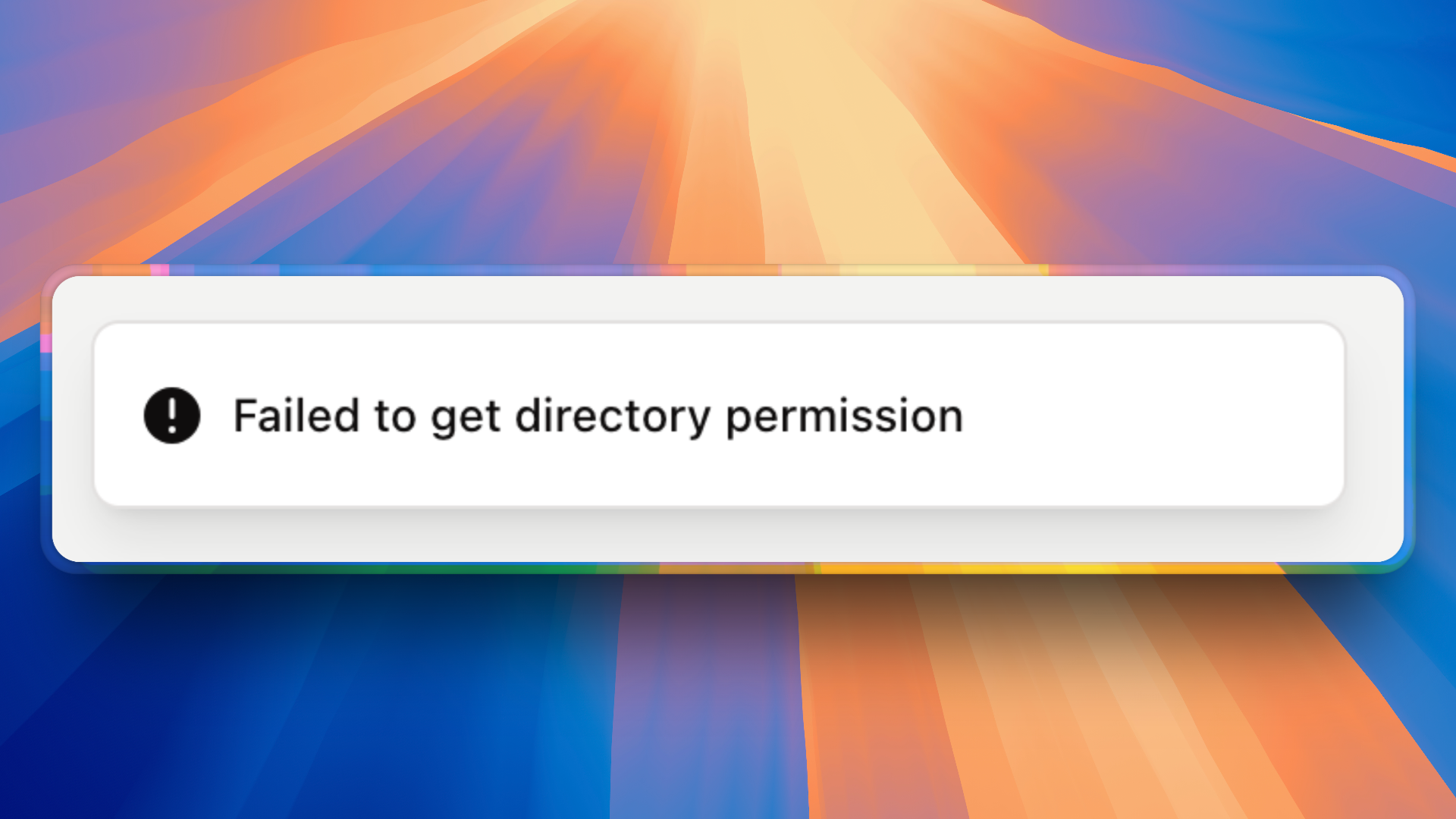
When using the Brave browser for data synchronization, the "Auto Backup" function encounters errors and cannot complete automatic backup operations normally.
Cause Analysis
This issue is caused by Brave browser's default security settings. To protect user privacy and security, Brave disables the File System Access API by default, which affects Dessix's automatic backup function.
Solution
WARNING
Brave disables the File System Access API by default, which affects automatic backup.
Enable File System Access API
Please follow these steps:
- Open Brave Browser
- Access Settings Page: Enter
brave://flags/#file-system-access-apiin the address bar - Enable API: Set the File System Access API to
Enabledstatus
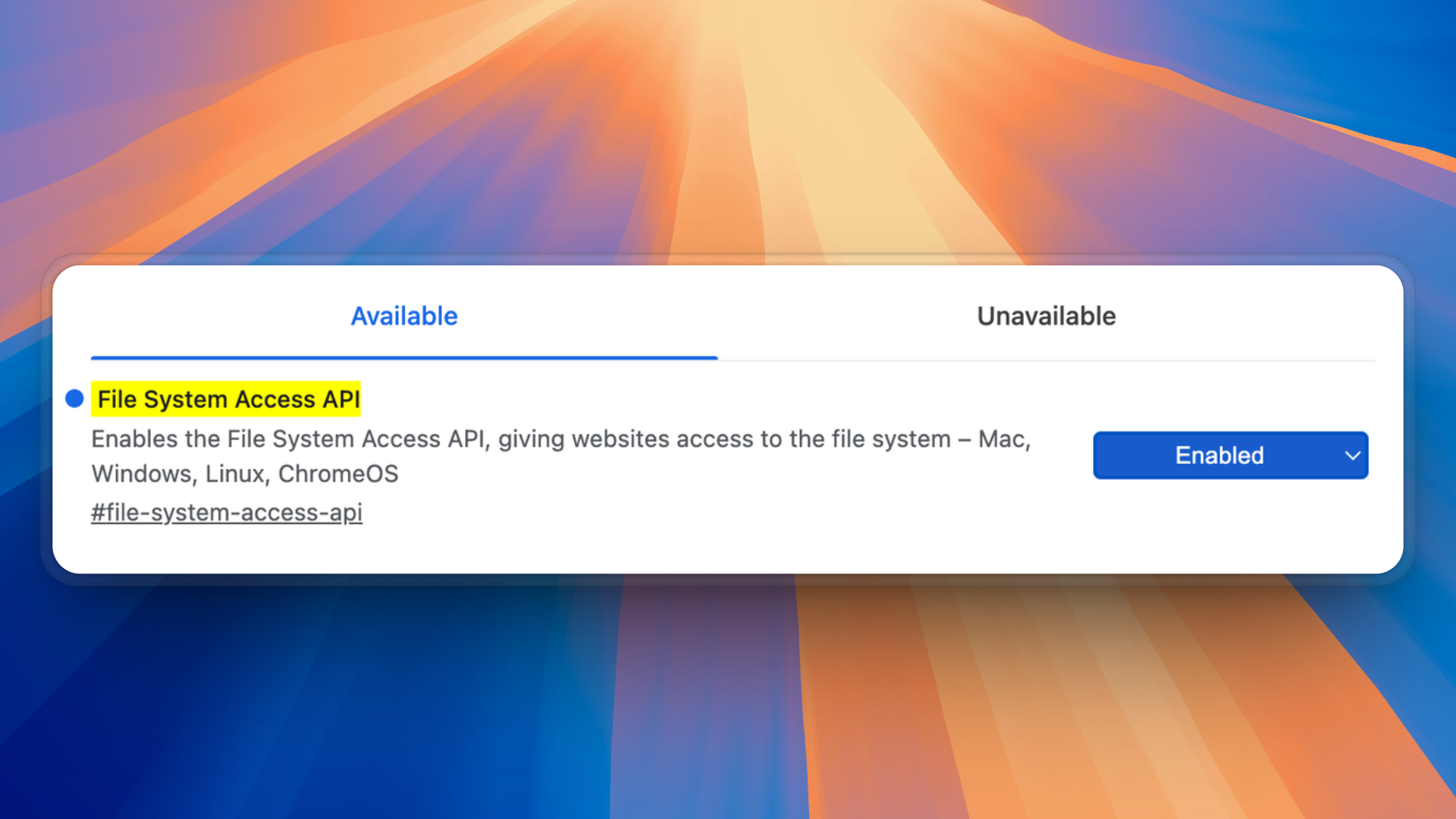
- Restart Browser: Restart the Brave browser after completing settings to make them take effect
Notes
- After enabling this setting, Dessix will be able to use the automatic backup function normally
- This setting only affects file system access permissions and does not reduce the overall security of the browser
- If the problem persists, please check if the browser version is up to date