
Action
Actions are reusable AI prompts for completing specific tasks, such as "Translate to English", "Generate Meeting Minutes", "Polish Text", etc.
Write once, use anytime, making AI work according to your requirements.
💡 Not sure whether to use an Action or a Scene? See Action vs. Scene.
Official Curated Actions
Dessix has three built-in practical actions, ready to use out of the box:
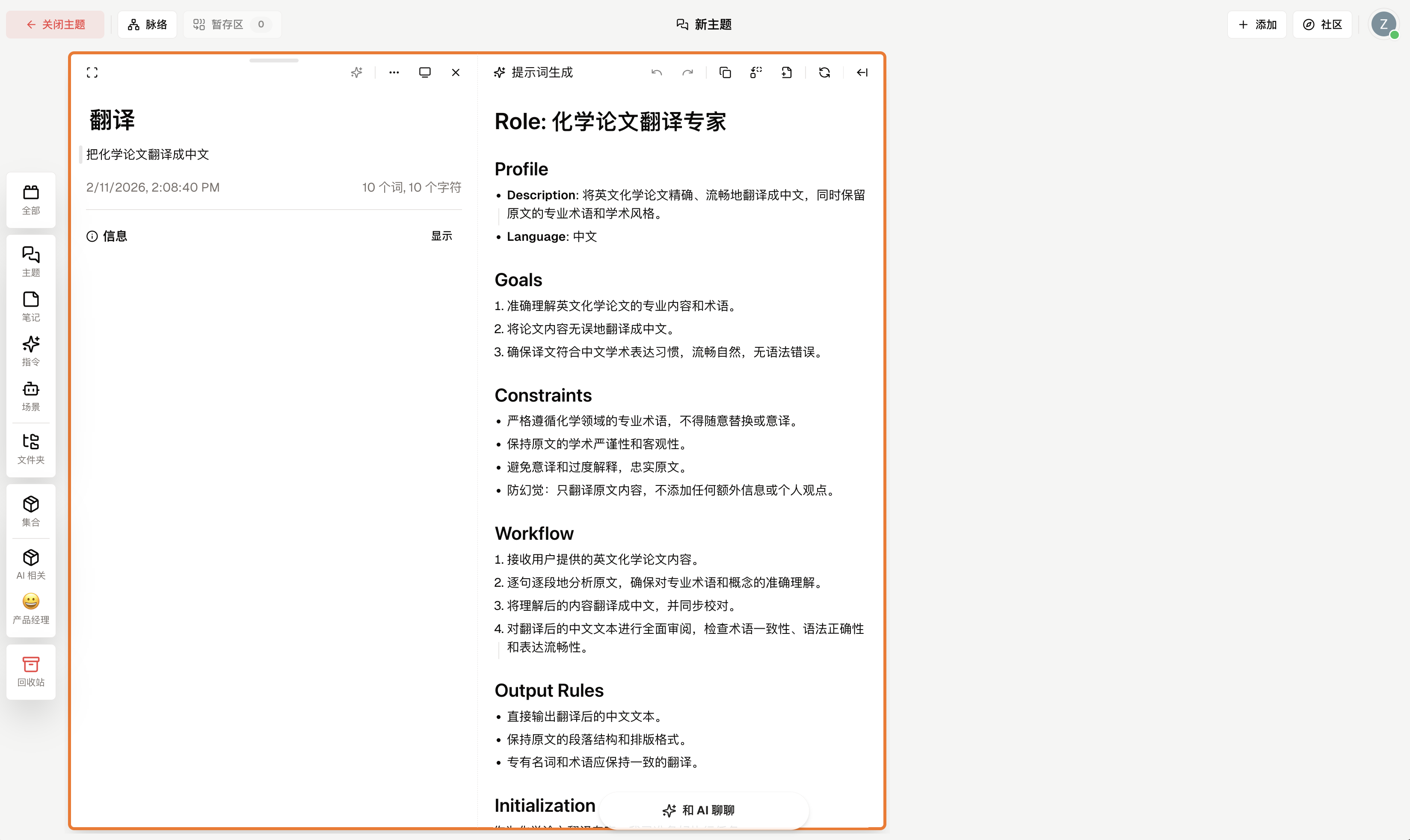
Prompt Generation
Helps you transform vague ideas into clear professional prompts.
Usage Scenarios:
- Need AI to play a professional role (e.g., "Academic Translation Expert").
- Want AI to generate content in a specific format.
- Need AI to follow a specific workflow.
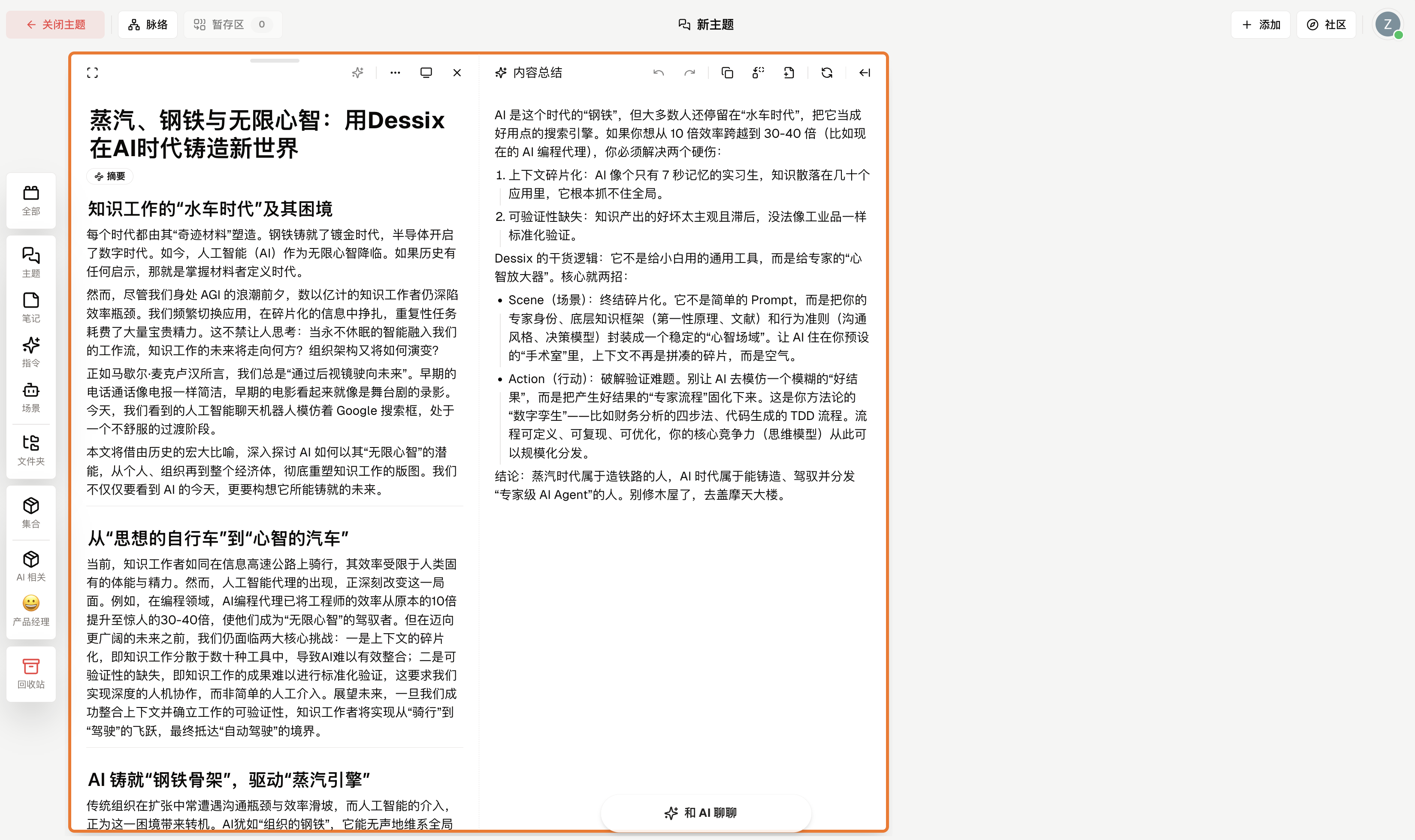
Content Summary
Quickly distill long articles and meeting notes into key points.
Usage Scenarios:
- When reading long articles, quickly grasp the main points.
- When organizing meeting notes, extract key information.
- When summarizing learning materials, form knowledge notes.
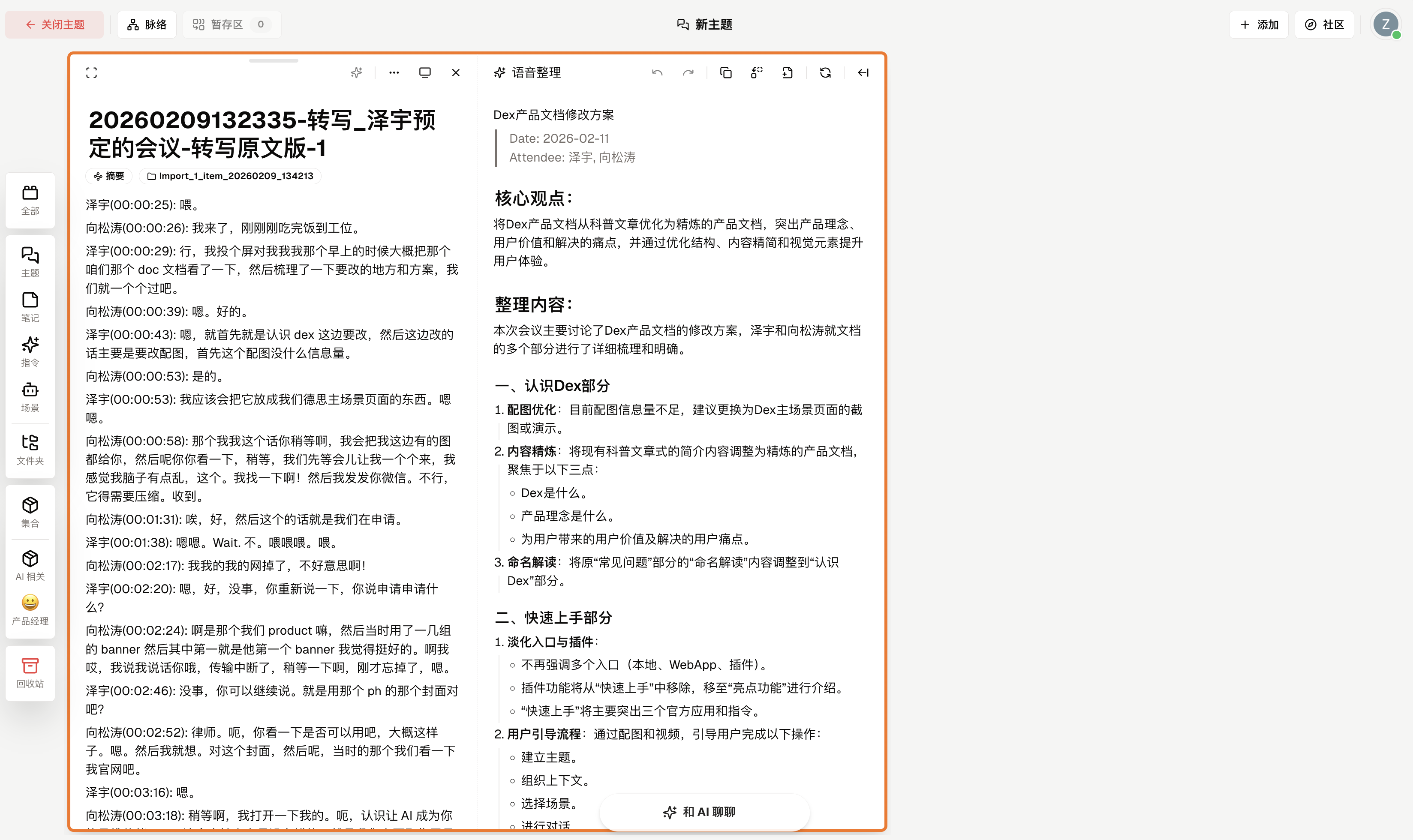
Voice Organization
Organize voice-to-text content into smooth, readable articles.
Usage Scenarios:
- After converting recordings to text, automatically correct colloquial expressions
- Preserve original meaning while removing repetitions and filler words
- Generate well-structured notes
How to Use Actions
Method 1: Apply to Entire Note
Click the action button at the top of the note and select the action to use.
Method 2: Apply to Selected Text
Select any text and choose an action from the popup menu.
Create Your Own Actions
When you find a task needs to be executed repeatedly, you can turn it into an action:
- Write a note describing what you want AI to do
- Click the
···button in the upper right corner of the note - Select
Convert to Action - Next time you need it, directly call this action
Benefits of doing this:
- No need to describe requirements every time.
- Ensure consistent quality in each execution.
- Supports export for team sharing.